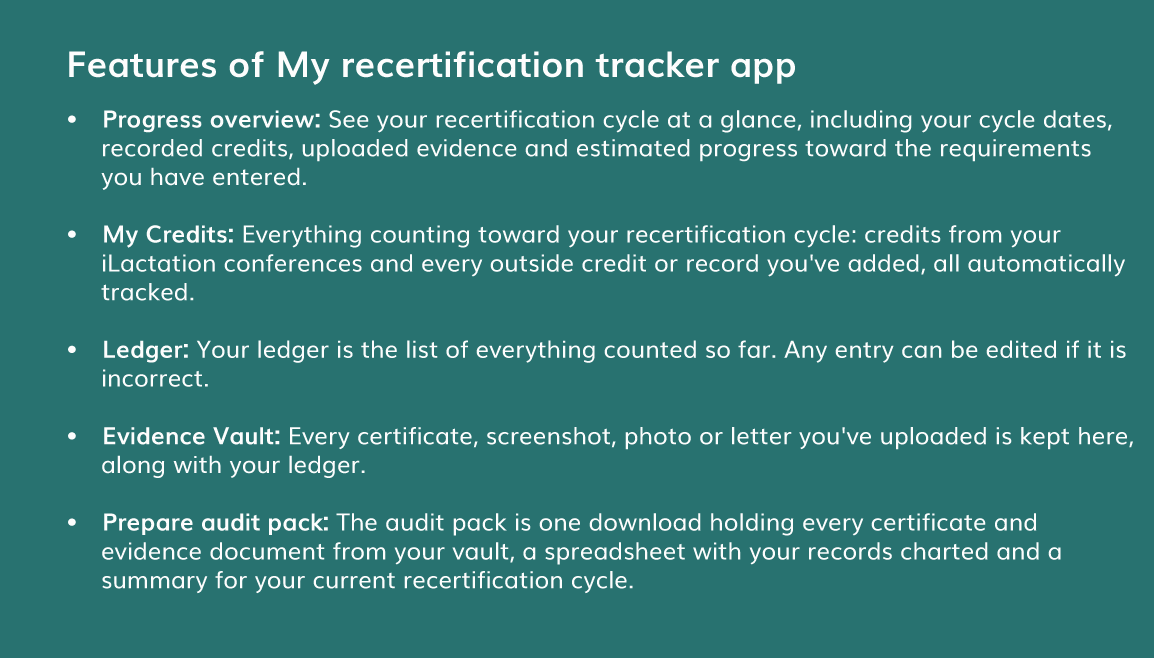

My Recertification tracker app

This is a free all-in-one solution for tracking and recording your CERPs, your continuing education credits and all the other requirements for IBCLC® recertification within your recertification cycle.
Available for all recertifying IBCLCs. Anyone who would like to track and record CERPs for recertification may join the iLactation platform and use the tracker app at no cost. Register for a tracker account.
Your choice. If you already have an account on our new iLactation platform, you can choose whether to turn the recertification tracker on. It sits behind the My Recertification link at the top right of the browser.

On your phone it looks like a little mortarboard hat. Once you click on My Recertification, you can complete the set up questions.
Consent. The tracker has its own consent step before it stores anything about you.
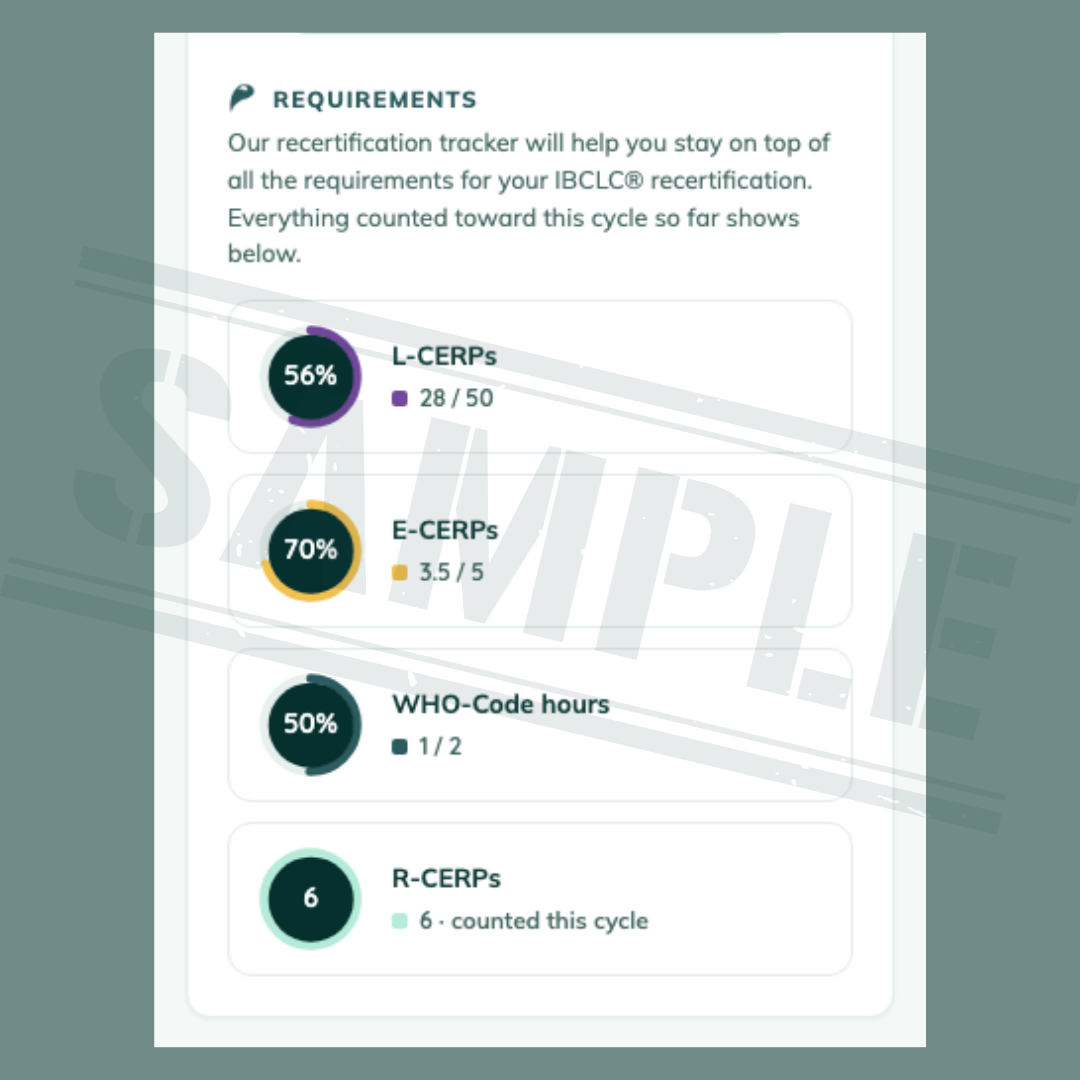
Upload any of your continuing education records. Apart from your iLactation conference credits, it is possible to upload records of education you completed elsewhere. For external uploads, the tracker holds only information you give it.
Easy uploads. Information can be uploaded by importing a certificate, screenshot, photo, letter or report in PDF, JPEG, PNG, HEIC or WebP formats.
Secure storage. iLactation will securely store your recertification data (CERP credits, uploaded certificates and evidence documents, and practice-hours records) on secure servers in the EU.
Privacy. Your tracker records are private to your account and can only be accessed by you and the app itself in order to run and support the tracker. iLactation does not share or sell your data. You can export or delete everything from Settings whenever you like. Full details in our Privacy Policy.
AI Document reading. The tracker app can optionally read certificates and similar documents you upload and suggest values to save you typing. This feature is off unless you turn it on and turning it on is a separate consent. Automated reading is assistive only. It can misread a document. You should check every suggested value before you accept it, and nothing is saved to your record without your confirmation. You will be prompted to check the accuracy and completeness of what is uploaded. What you rely on when you submit a recertification application remain your responsibility.
Preparing for an IBLCE audit? Reduce your worry about getting everything ready for an IBLCE audit! Using iLactation’s My Recertification tracker app to track your CERPs and other requirements means it’s just one click for you to be instantly audit ready.